
Productivity · Personal memory
Remyra remembers. And reminds you.
Take a note, snap a photo, say where you put it. Remyra doesn't forget: it remembers for you and reminds you when it's time.
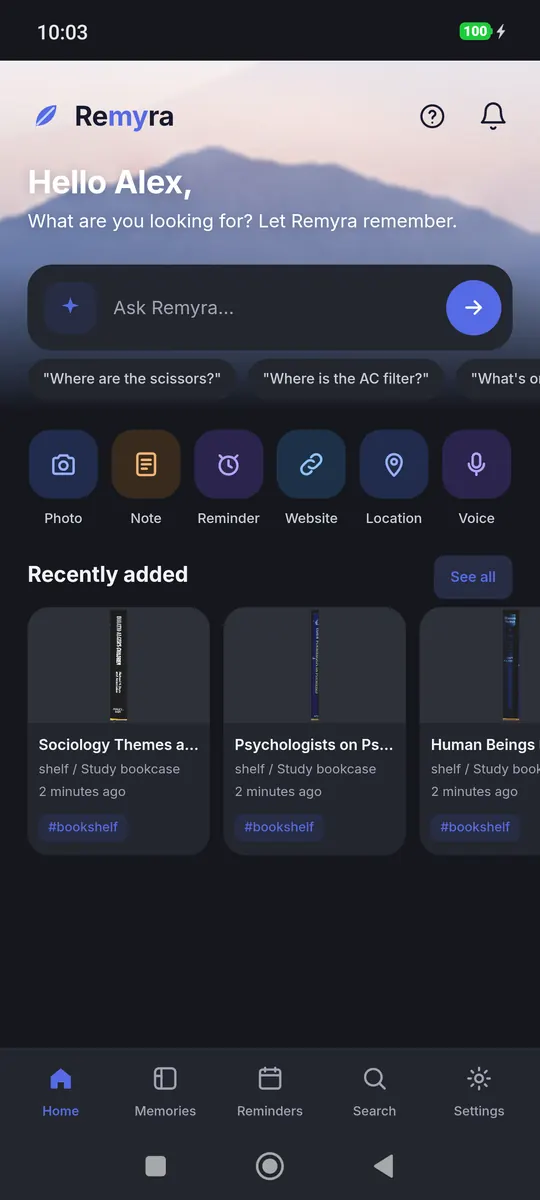
Ask in your own words
“Where is the passport?” Remyra searches titles, notes, tags and places and answers in a second, on your phone, even without a connection, in nine languages. Want the answer in one sentence? Ask AI.
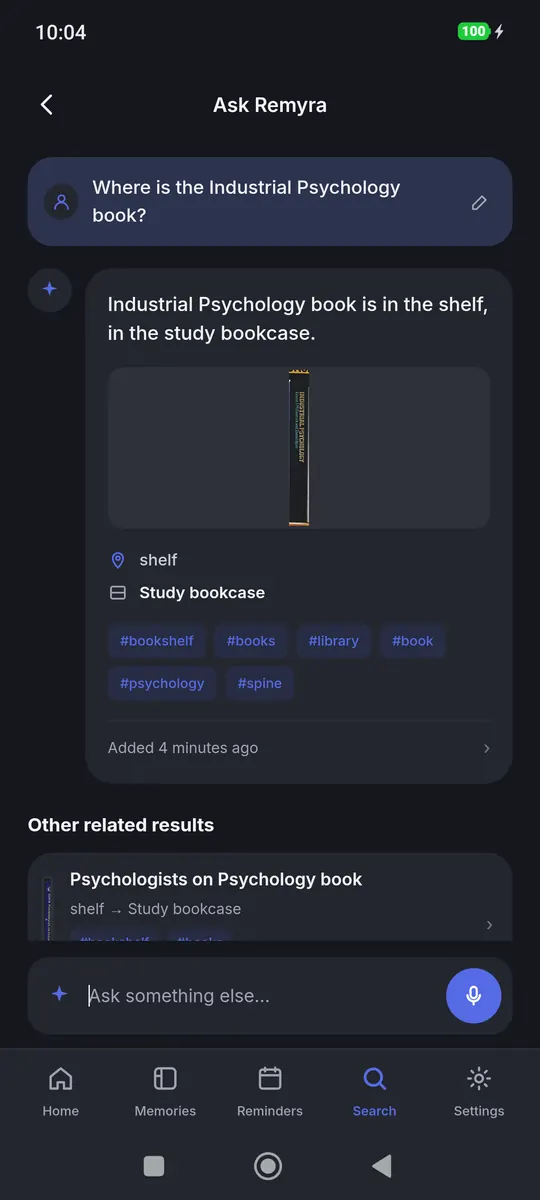
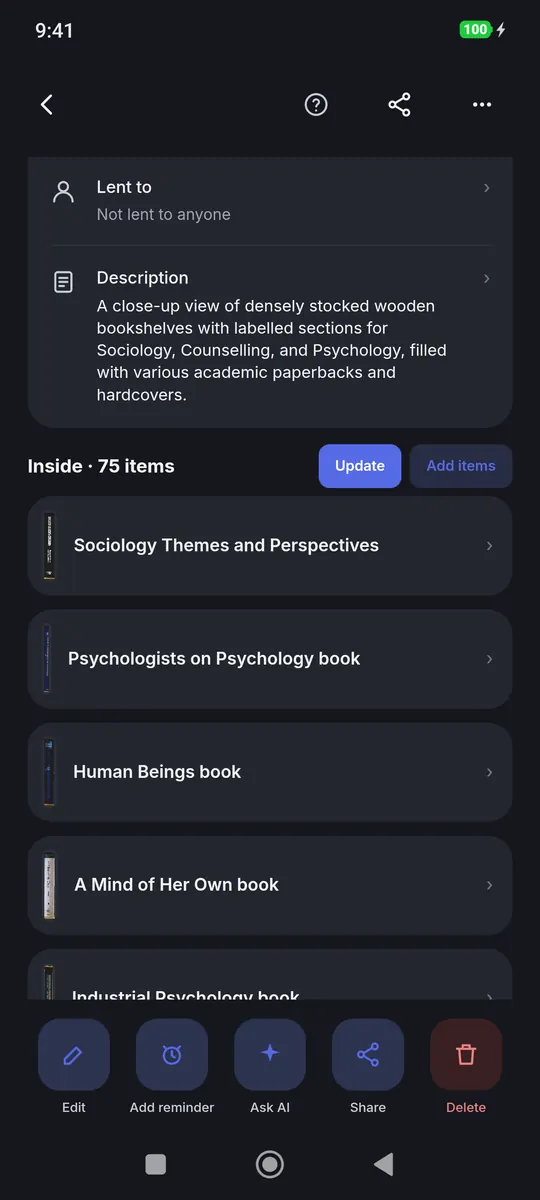
Save a whole bookcase from one photo
Take a photo of a shelf, a drawer or a box. AI lists what it sees and you pick what to save. The detailed scan reads book spines and saves each book by its title and author.
- Basic: about 20 items, for a drawer, a bag or a box
- Normal: about 60 items, for shelves and cupboards
- Detailed: 100+ items, for crowded shelves and bookcases
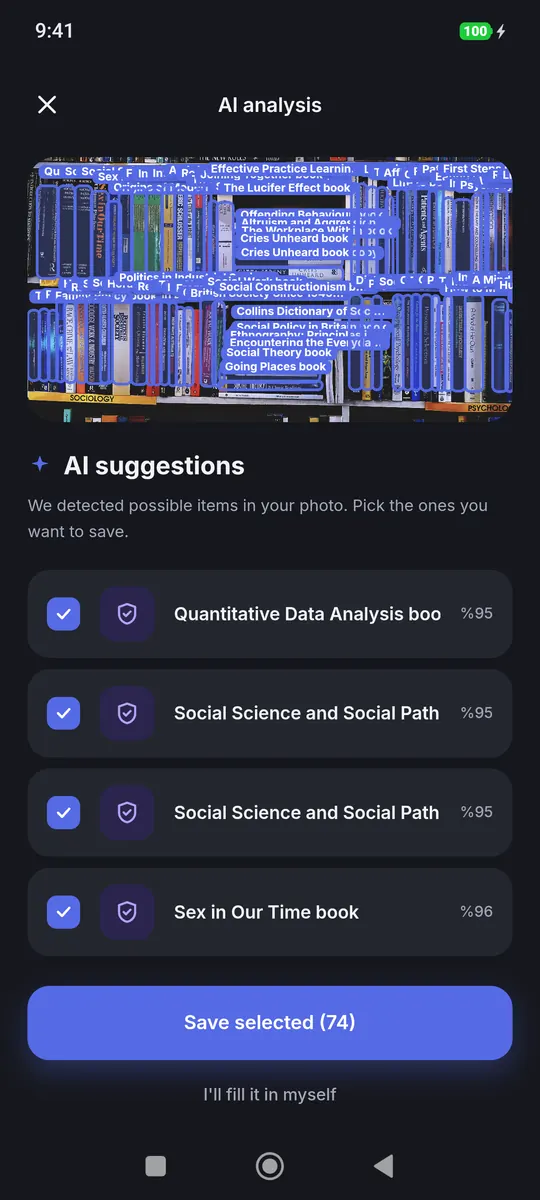
See exactly where it is
Every item found in a photo keeps its spot. Open it and the photo shows it framed on the shelf. If AI missed something, add it and drag a frame around it yourself.

Find it by what it is, not only by its name
AI adds a short description and tags to each item it finds, and search looks through them too. You don't need to remember the exact title.
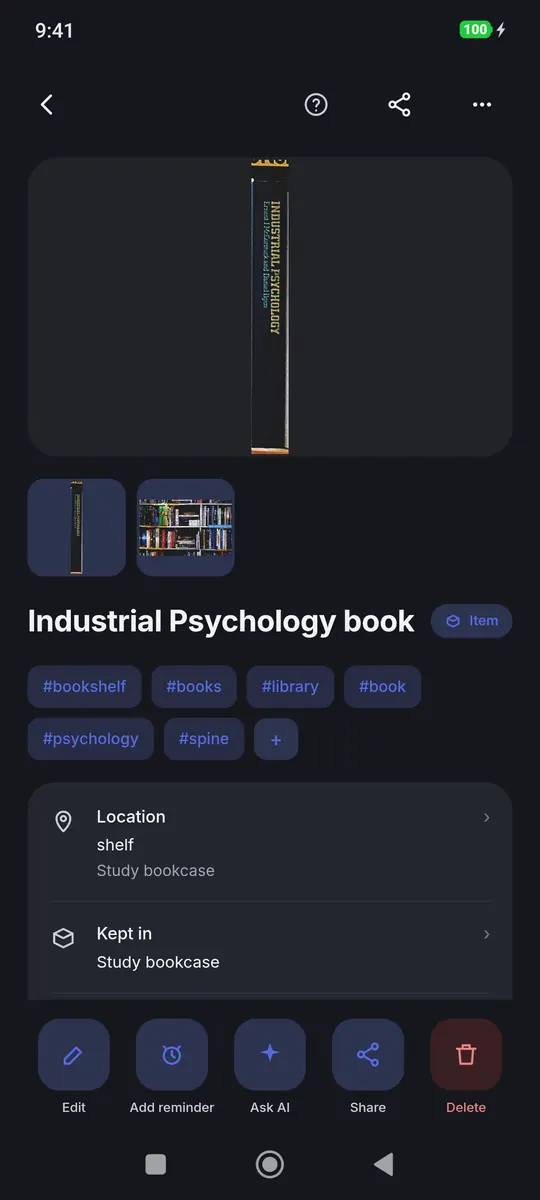
Bags, boxes and shelves know what's inside
Put items in a bag, a box or on a shelf. Move the box and everything inside moves with it. Later, take a new photo and Remyra compares it with what is saved: still there, missing or new.
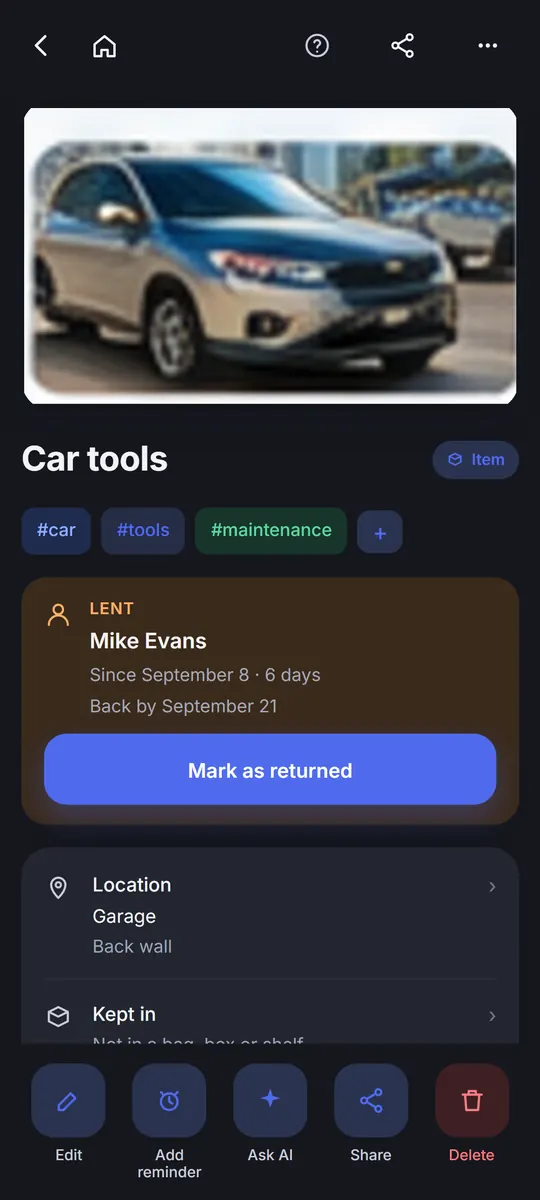
Know who has it
Lent the drill? Note who took it and when, or pick them from your contacts. Remyra reminds you on the return date, and when it comes back it asks whether to put it back in its usual place.
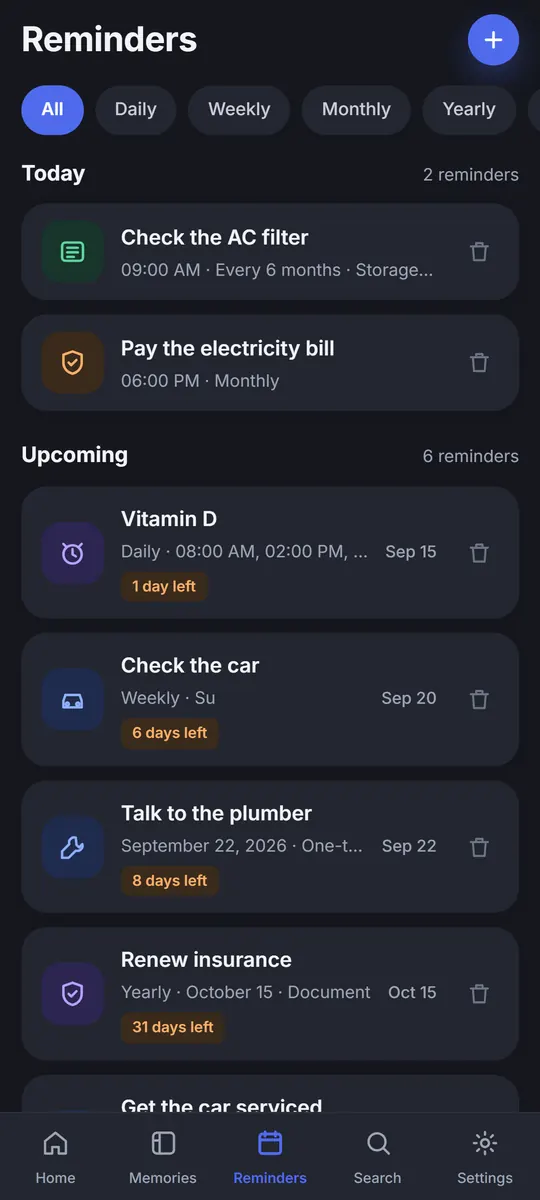
Reminders that don't let you forget
One-time or repeating: daily, weekly, monthly, yearly or your own interval. Pick several times a day for medicine. Link a reminder to an item or a note.
- Snooze it and choose its sound
- A full-screen alarm on the lock screen
- Missed it? It rings again every minute for 15 minutes
Save a place, find it in your own words
Photograph the door or the sign and add a note. Remyra takes the location from the photo, from where you are, or from an address you type. Later just ask “Which restaurant did we like in Manchester?” and open the directions.

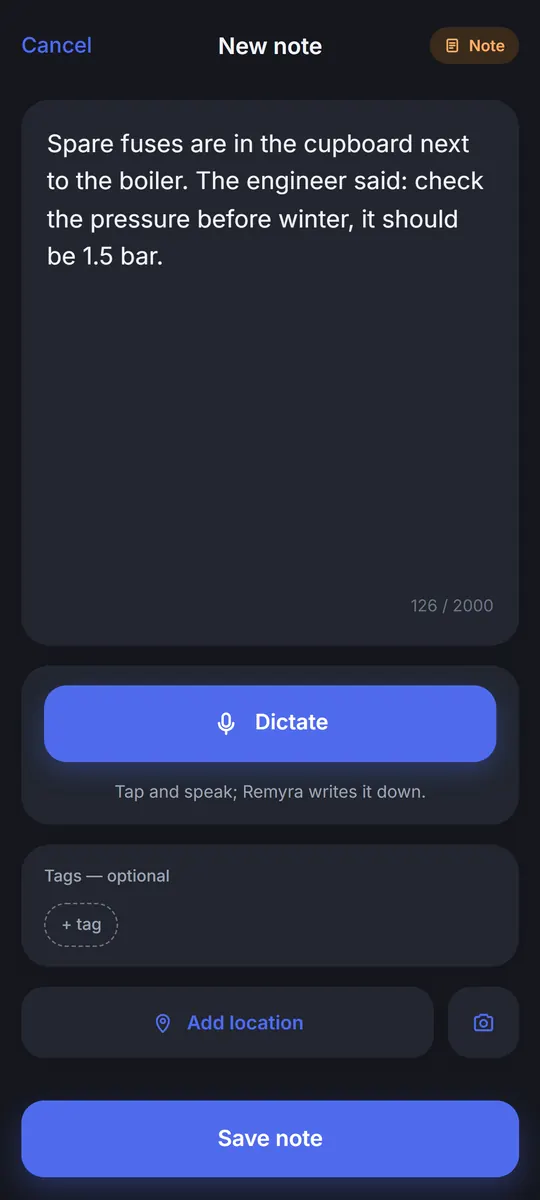
Write it or say it
Keep a thought, the Wi-Fi password or an idea as a note. Hands full? Speak, and Remyra writes it down as you talk.
Save a website from a link, a QR code or a photo
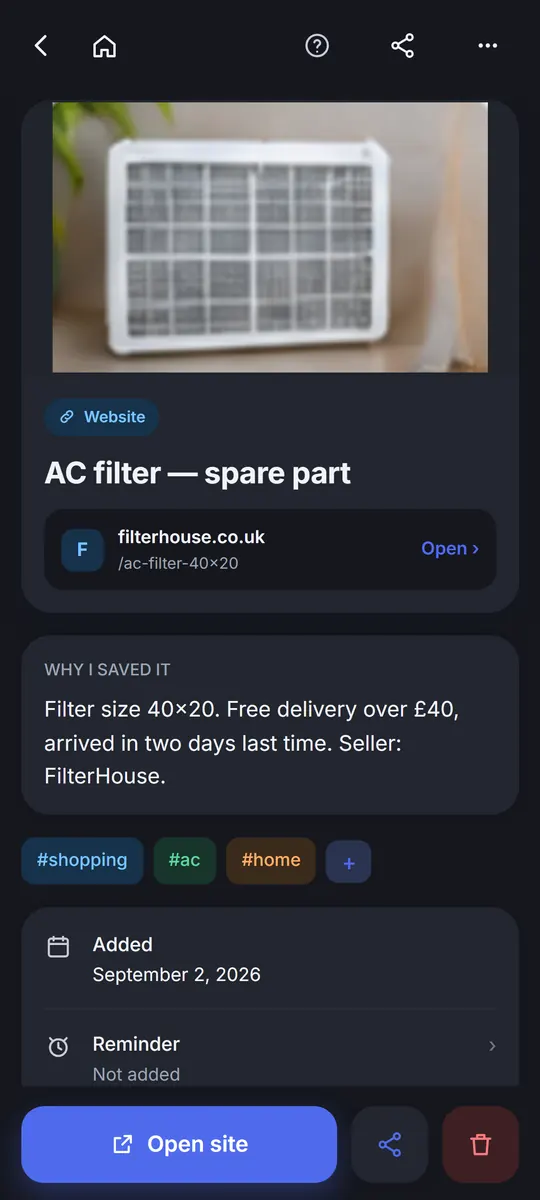
Saw an address on a poster? Take a photo: Remyra reads the text and QR codes on the phone itself, offline, with no account and no AI credit. Even if the site goes away, its title, picture and your note stay. Link it to a reminder if you like.
Your memory stays on your phone
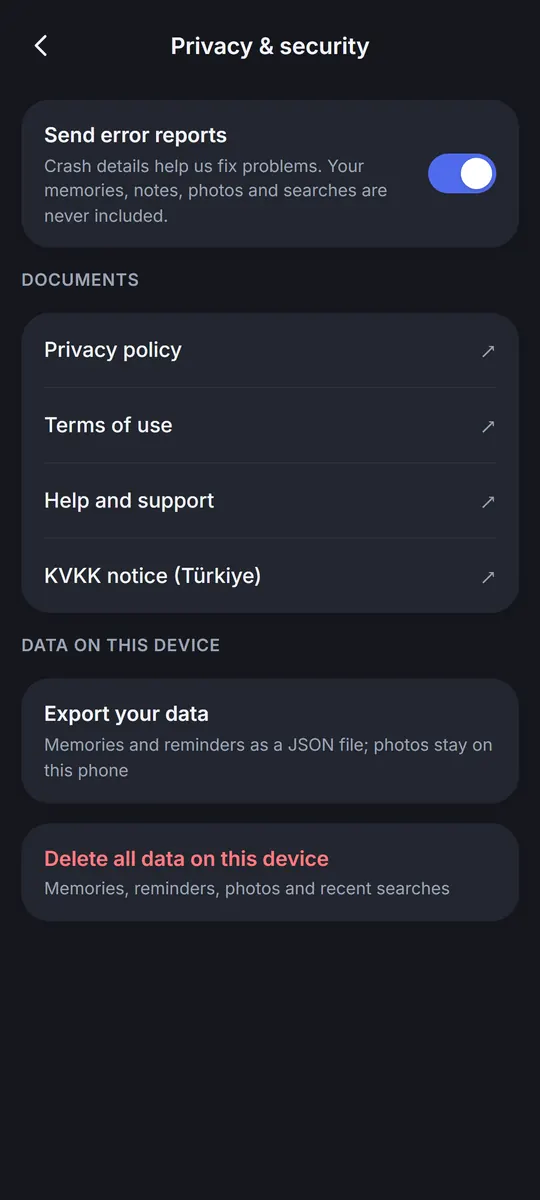
Use Remyra without an account; everything stays on your phone. Sign in and your memories and reminders are backed up and appear on every phone you sign in to. With Pro your photos are backed up too, up to 5 GB. Export your data or delete everything on the phone at any time.
Plans and prices
Remyra is free. Pro is optional and you can cancel it any time.
Free
$0
- Up to 200 memories
- 10 AI credits a month with a free account
- Memories and reminders backed up when you sign in
- Earn extra credits by watching an optional ad
- Shows a banner ad
Pro
$1.99 / month or $19.99 / year
- Unlimited memories
- 50 AI credits a month; unused credits carry over (yearly: 600 at once)
- Photo backup up to 5 GB
- No ads
Pro + more credits
Everything in Pro, with more AI credits every month
- Pro + 50 · 100 credits a month · $3.49 / month
- Pro + 100 · 150 credits a month · $4.99 / month
- Pro + 250 · 300 credits a month · $8.99 / month
- Pro + 500 · 550 credits a month · $14.99 / month
US prices. The price in your currency is shown in Google Play before you buy. Subscriptions renew automatically until you cancel them in Google Play.
Questions
Do I need an account?
No. Remyra works without an account and keeps everything on your phone. An account backs up your memories and reminders and is needed for AI features.
Does it work without internet?
Saving, searching and reading addresses from photos work offline. AI scans and AI answers need a connection.
What is an AI credit?
AI features use credits. Scanning a photo uses 1 to 5 credits, depending on the level you pick. The free plan gets 10 credits a month with an account; Pro gets 50.
What happens to my credits if I cancel Pro?
Credits you already have stay in your account and carry over. Nothing more is charged after the subscription ends.
Where are my photos kept?
On your phone. With Pro they are also backed up, up to 5 GB, on Wi-Fi unless you change it.
Which languages does Remyra speak?
English, Turkish, German, French, Spanish, Italian, Portuguese (Brazil), Dutch and Polish.
How do I cancel?
In Google Play: Payments & subscriptions → Subscriptions → Remyra. Pro stays active until the end of the paid period.
Stop searching. Start asking.
Remyra is free on Google Play.